Have you ever thought about how much of your business information is stored on a smart phone, computer or online? What would happen if you lost access to that information or it became compromised?

With so much vital business information stored electronically, strong cybersecurity practices are a necessity for all small business owners and their staff.

Research suggests that nearly 90 per cent of all cyber breaches are caused by a mistake from someone working in the business, highlighting the importance of good cyber security awareness and practices across your business.

Here are some practical steps you can take to help protect your business.

Use strong passwords

Do you reuse the same password across multiple platforms, rely on passwords you’ve used for a long time, or include the names of your pets or children? If you have answered yes to any of these, your password may not be very secure.

The longer and more complex your password is, the more difficult it is to guess or crack. A good password should include a mix of upper and lower case letters, numbers and symbols. If you find these hard to remember, try a passphrase – a combination of three of four random words that, when combined, provide a longer and more secure password (for example: PurpleDoorBananaFloor).

When it comes to your computers, networks (such as Wi-Fi) and mobile devices, ensure you use strong and unique passwords that you change regularly. In particular, if any devices come with default passwords (for example: your modem may have a default password to connect to Wi-Fi) you should change this password as soon as possible. You can check whether your email address or passwords have been compromised by a data breach using the website Have I Been Pwned.

If you employ staff, you may want to consider providing access to systems and passwords on a ‘need to know’ basis.

Action to take

Download a password manager to help you securely store and manage all your passwords.

Enable multi factor authentication

Multi factor authentication (MFA) provides an extra layer of security for your online accounts such as your email, social media or internet banking. It makes it harder for someone to gain access, as they will need more than your user name and password.

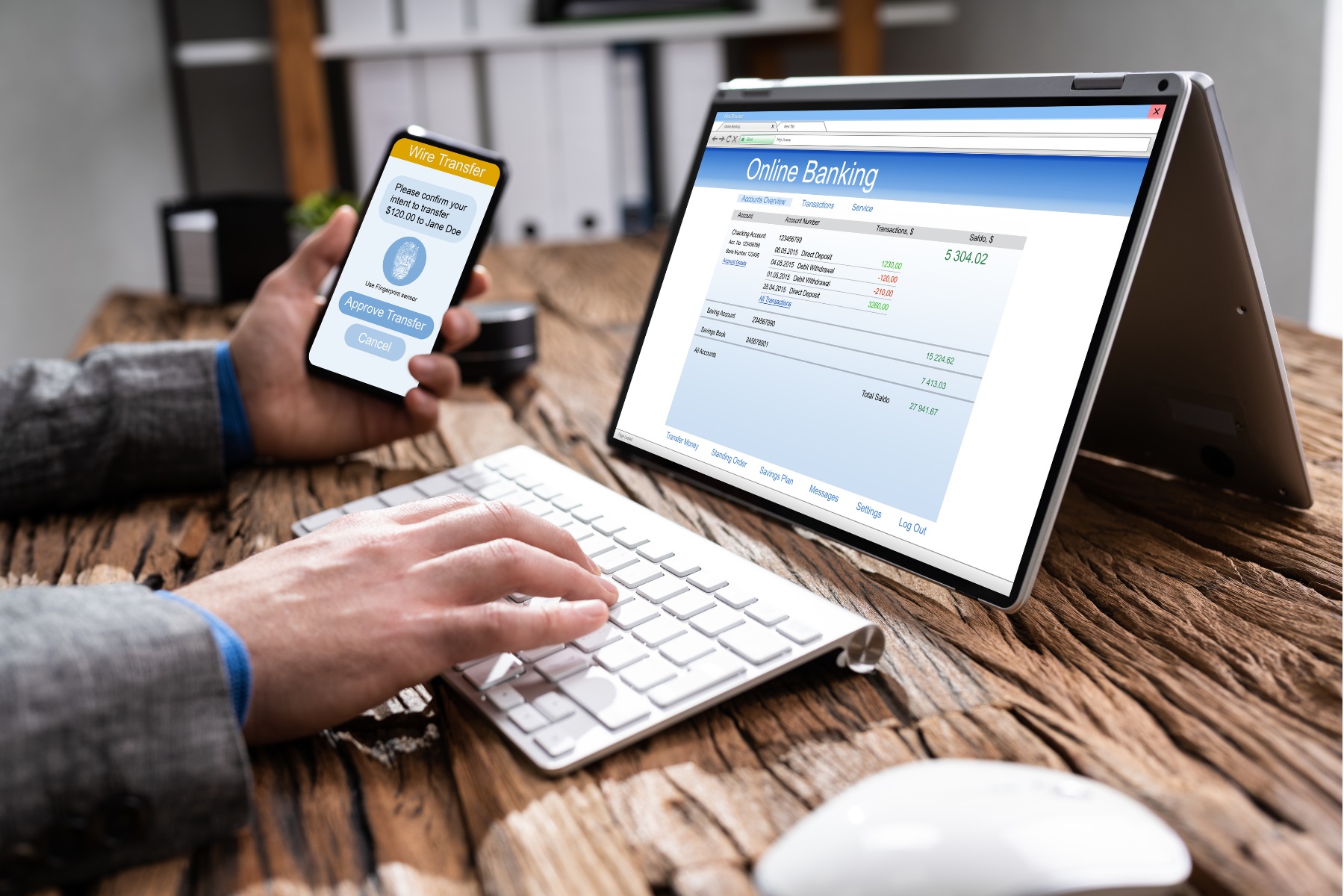
MFA typically requires you to take an extra step to access online accounts, such as entering a personal identification number (PIN), responding to a notification on your smartphone or using fingerprint or facial recognition.

Most online platforms will allow you to enable multi factor authentication under their security and login settings.

Action to take

Enable multi factor authentication on your business critical accounts including email, banking, accounting software and social media platforms.

Secure your devices and networks

There are a few practical things you can to do keep your devices and network secure, such as:

  • Having up to date security software installed and running regular anti-virus scans.
  • Avoiding the use of storage devices, like USBs or hard drives, that have come from unfamiliar sources (unless you can run an anti-virus scan on them first).
  • Ensuring all portable devices, such as smart phones and tablets, can only be unlocked by PIN.
  • Limiting the use of public Wi-Fi networks which may be unsecure or vulnerable. In particular, you should never use public Wi-Fi to make online payments and/or access financial records.

Regularly back-up your data

Having one back-up is a good start, but ideally, you should also have a back-up of your back-up too. Don’t worry, this isn’t as hard as it seems. Online and cloud storage are a popular back-up option but unfortunately can also be compromised. Ideally, you should not only keep an online back-up of your data, but also have a physical storage device, like an external hard drive, that you regularly back-up your files to.

Read the Australian Cyber Security Centre's (ACSC) Small Business Cloud Security Guides to find out  more.

Update your operating systems

One of the most effective ways to protect your business is to ensure that all your systems and devices are regularly updated, so that weaknesses in the operating system can’t be exploited. It’s a good idea to switch on automatic updates so this important job doesn’t slip your mind.

If your device is no longer supported with security updates because it is too old, it may be time to consider investing in a new device.

Educate your employees

If you employ staff, take the time to talk to them about the importance of cybersecurity and protecting any information relating to your business they may store on computers or mobile devices. Explaining what you deem to be an acceptable use of business information and devices will ensure they have a clear understanding of your expectations.

You can also consider creating a cybersecurity policy for your workplace that sets our your expectations of staff and how you will handle sensitive data.

Be aware of the latest threats

Major cybersecurity threats are regularly reported in the media, so keeping up-to-date with the news can give you a heads up on the latest threats and attacks so you can stay one step ahead.

Sign up to the ACSC’s email alert service to provide you with information on the latest online threats and what you can do to keep them at bay.

Action to take

Does your business collect customer data? Read our data collection and privacy information to learn more about your obligations under Australian law regarding the collection, storage and safety of that data.

Make use of free resources

A range of resources is available to help you protect your business from cyber threats.

Cyber security advisory services and information

  • The Small Business Cyber Resilience Service provides free and tailored support for small businesses to improve your cyber security and/or recover from a cyber incident.
  • Use the Australian Cyber Security Centre's anonymous Cyber health check tool to generate a tailored action plan with customised advice to help you improve your cyber security.
  • The CyberWardens Resources Hub contains a range of handy information, guides, resources and case studies to help you manage cyber threats.
  • CyberWest has published useful articles about cyber security and has recently released its WA Cyber Capability Directory that lists local providers who can assist you on your cyber resilience journey.

Cyber security breach identification and reporting

Tip

Download and complete our cyber security skills self assessment checklist to help you identify potential areas for improvement in your business.

Photo of a female member of staff at the SBDC working at her computer and wearing a telephone headset.

Can't find what you're looking for?

If you can't quite find the right information our business advisers are here to discuss any business questions or concerns.


Call us on 133 140

Book an online or phone appointment

Chat to us online